

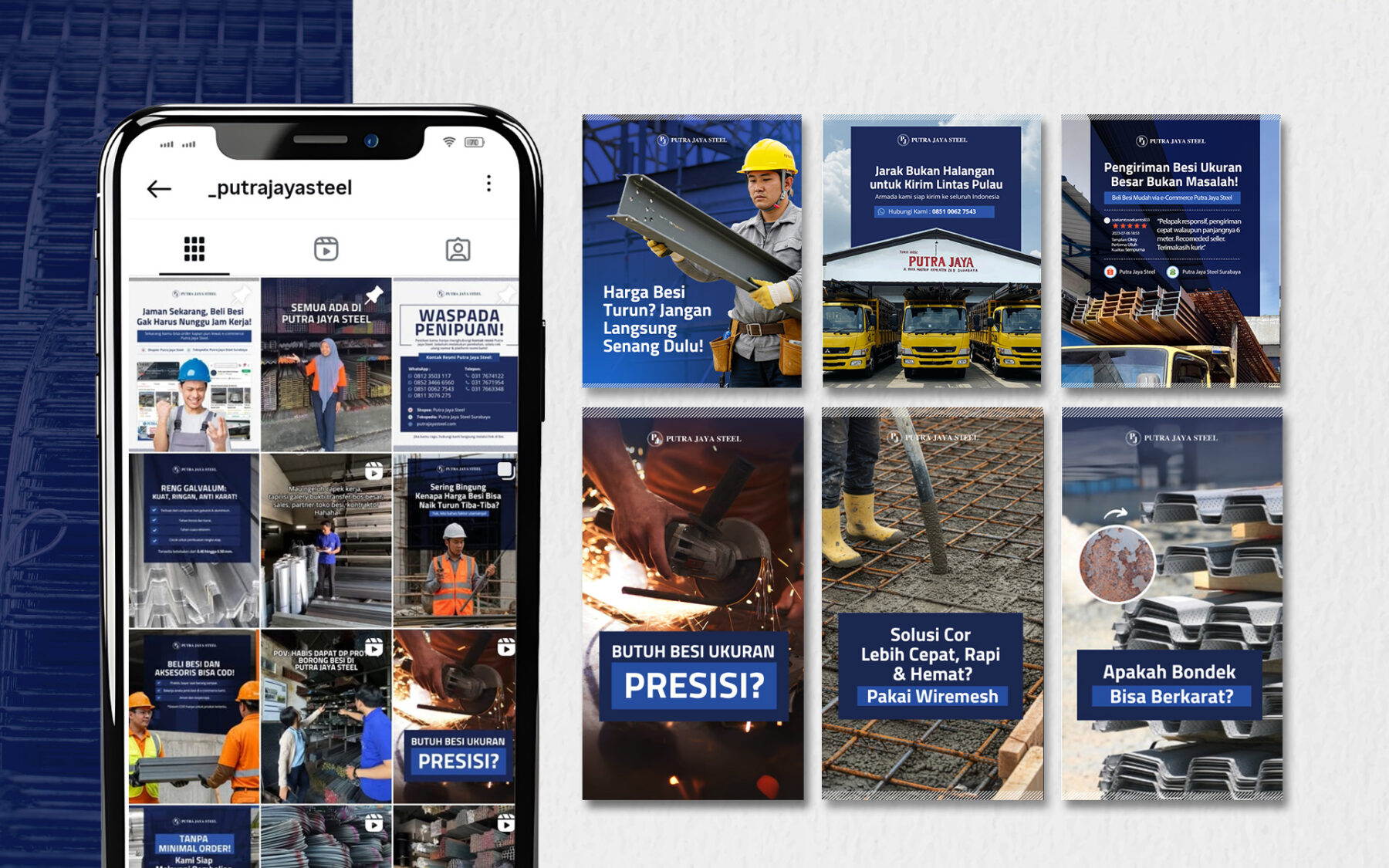
A like takes half a second. A save means someone thinks your post is worth coming back to. That’s why saves and shares are among the strongest signals you can earn on Instagram, and carousels are the format that earns them most reliably.
But most carousels are just a single post chopped into pieces. Here’s how to design ones people actually keep.
Why saves matter more than likes
Instagram has said publicly that it looks at how likely people are to save and share a post when deciding what to show them. A post people save keeps being shown to new people. A post people only like fades within a day.
People save content that is useful later: a checklist, a template, a step-by-step guide, a list of ideas. Design for that.
The 7-slide structure that works
- Slide 1 — The hook. A promise in 8 words or fewer. “5 captions that sell without sounding salesy.” Big type, high contrast, no clutter.
- Slide 2 — The problem. Why should they care? One sentence the reader nods at.
- Slides 3–6 — The value. One idea per slide. A number, a short headline and one or two lines of support.
- Slide 7 — The recap + CTA. Summarise in one line and ask for the save: “Save this for your next content plan.”
Design rules we follow
Use the 4:5 portrait size (1080 × 1350 px). It takes up more of the screen than a square and makes your post harder to scroll past.
Keep text large. If you can’t read it on your phone at arm’s length, it’s too small. Aim for a headline of at least 60 px on a 1080 px-wide slide.
One idea per slide. If a slide needs a paragraph, split it into two slides.
Make the swipe obvious. An arrow, a “swipe →” label, or an element that runs across the edge into the next slide tells people there’s more.
Stay on brand. Use the same two or three colours and fonts every time. After a few weeks, people recognise your posts before they read your name.
Leave breathing room. Keep important text away from the bottom 15% of the slide, where Instagram’s interface can cover it.
Content ideas that get saved
- Checklists (“Before you launch a website: 10 things to check”)
- Templates and frameworks (“Our 4-step content calendar”)
- Mistakes to avoid (“6 branding mistakes small businesses make”)
- Before / after examples
- Mini tutorials (“How to write a caption in 3 steps”)
- Local insights (“Best times to post for audiences in Indonesia”)
Measure what matters
In Instagram Insights, check each carousel’s saves and shares, not just likes. Compare them against your account’s average. When one format outperforms, make more like it.
Want carousels that work without the trial and error?
Our team plans, writes and designs social content for brands across Indonesia. Explore our Digital Marketing services, or talk with us about your next campaign.